Free
$0for good
No card, and nothing to cancel.
- 5 GB of display-quality photos and video
- Shared albums, guest links and the trip map
- Unlimited members
You’ve been home two weeks and you still don’t have everyone’s photos. Send one link instead. Friends add theirs from a phone browser, with no app and no account, and the album sorts itself into days and places as they land.
Or look around a real albumLoading the map…


Drop one link in the group chat. It opens in any browser, they pick their photos, and they’re in the album. Nobody downloads anything or makes an account.
Works on iPhone and Android. Guests type a name and nothing else. You can turn the link off whenever you like.

Name the trip, the wedding or the weekend away. It’s free and takes a minute.
One link covers everyone. People with the app join as members; everyone else opens it in a browser.
Photos land on the right day and in the right place, using the time and location already stored in each file.
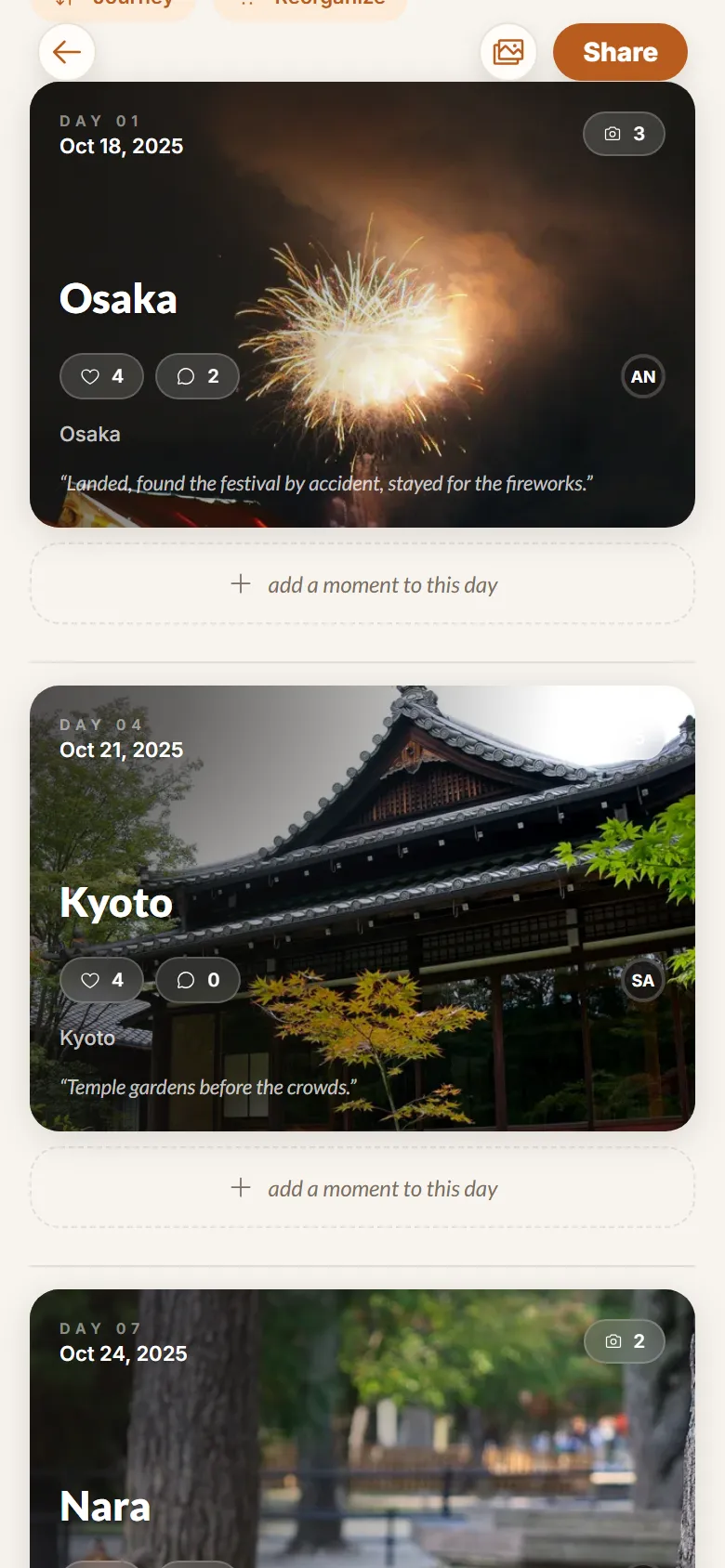
 Kyoto, 11:27am
A year from now you’ll open it on a rainy Tuesday and be right back on that path.
You can. Here’s what changes.
| Group chat | Shared cloud album | Momentbound | |
|---|---|---|---|
| Friends can add photos without an account | They can, and it’s a mess | No, contributors need an account and usually the app | Yes, a browser is enough |
| Photos keep their quality | No, the chat compresses them | Yes | Yes |
| Sorted into days and places | No | No, one long grid | Yes, from each photo’s own time and location |
| A map of the trip | No | No | Yes, with the photos on it |
| Easy to find again in two years | Scroll back and find out | Yes | Yes, and you can export all of it |
A cloud album is fine for files. It just isn’t an album of a trip.
You pay per library, not per person. Guests are free on every plan and never need an account.
$0for good
No card, and nothing to cancel.
$6.49a month
Keep originals for a trip, wedding, or family journey.
$12.99a month
More room for multiple trips and ongoing family memories.
Prices include VAT. Change or cancel a plan from the library it belongs to.
Momentbound is in a private beta with a small group of real trips, so we can fix things while it still matters. Places go out in batches.
Something else? Ask us.
No. The link opens in their browser, on any phone or laptop. Only you need the app, and there’s a web app too.
No. They type a name so you know who added what. That’s the whole sign-in.
Yes. Make the album, print the link as a QR code on the tables, and guests add photos from their own phones on the night.
Photos and video from a phone or a camera. Live Photos come through as a photo and a short clip.
Yes. Turn it off in the album’s share settings and it stops working for everyone who has it.
From the location already stored in each photo. If a photo has none, you can place it on the map yourself.
Your albums stay readable and the display-quality copies stay. We keep the originals for another 30 days (7 for video) so you can download them, then stop. If the library is over the free 5 GB, you can’t add more until you delete some or pick a plan again.
Yes. Export from account settings. You get your photos and videos, plus your comments, reactions and memberships.
It takes a minute and it’s free. Send the link tonight, while everyone still remembers which ones were good.
Request access